Custom Roles
Create and manage custom organization-scoped roles
Custom roles are roles scoped to a particular organization. They are managed via the Roles tab under an organization in the WorkOS Dashboard or using the Custom Roles API. You can utilize custom roles regardless of whether you’re integrating with AuthKit, SSO, or Directory Sync.
Why might I use custom roles?
In some cases, an application’s fixed set of roles may not meet the needs of certain organizations. For example, an organization may require a lesser privileged set of permissions for their members. Custom roles allow you to create roles with the organization’s desired set of permissions, without affecting access control for other organizations.
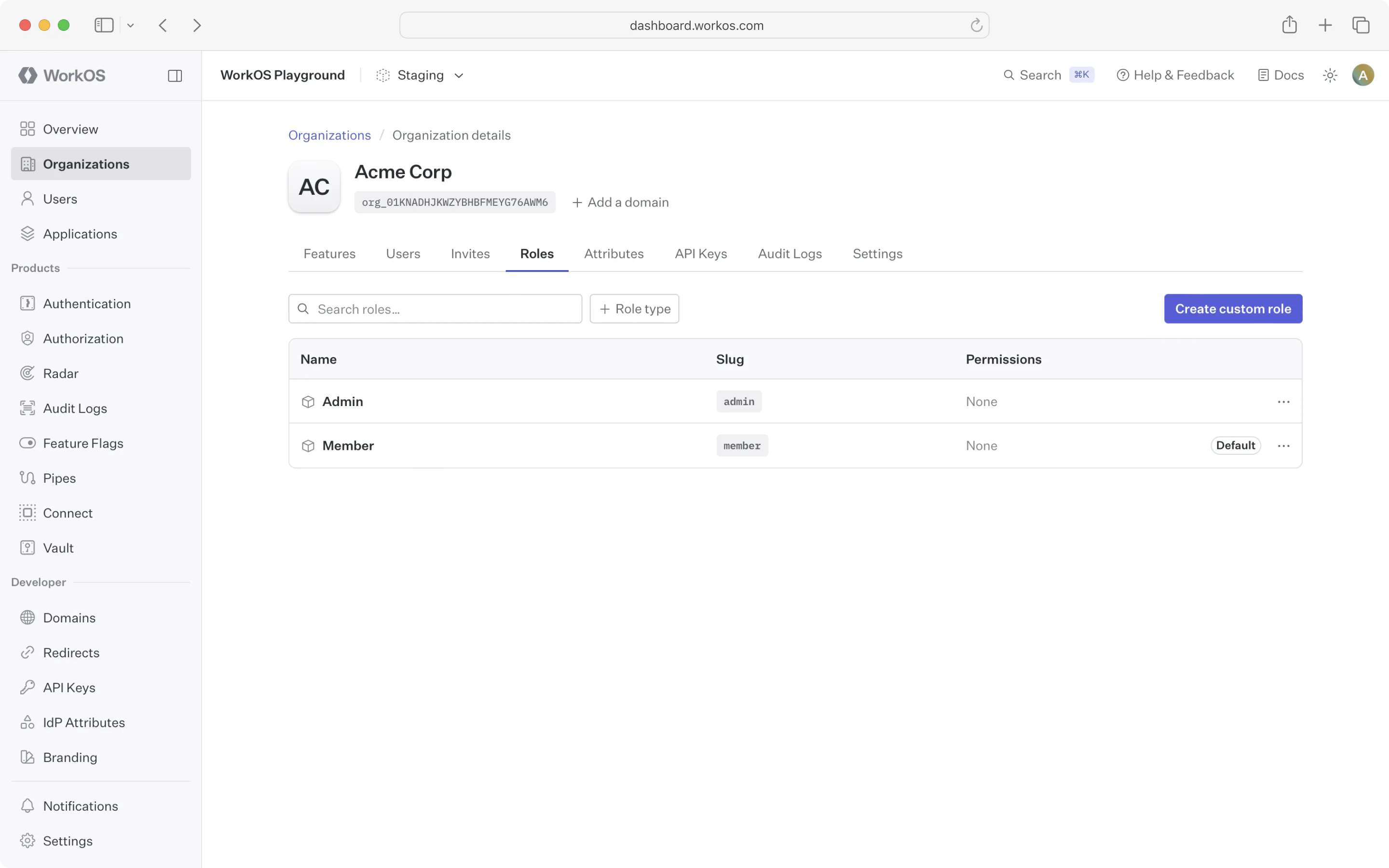
By default, organizations have no custom roles and simply inherit the environment-level roles. You can create a custom role by clicking the “Create role” button on the organization’s Roles tab or using the Custom Roles API.
Custom role slugs
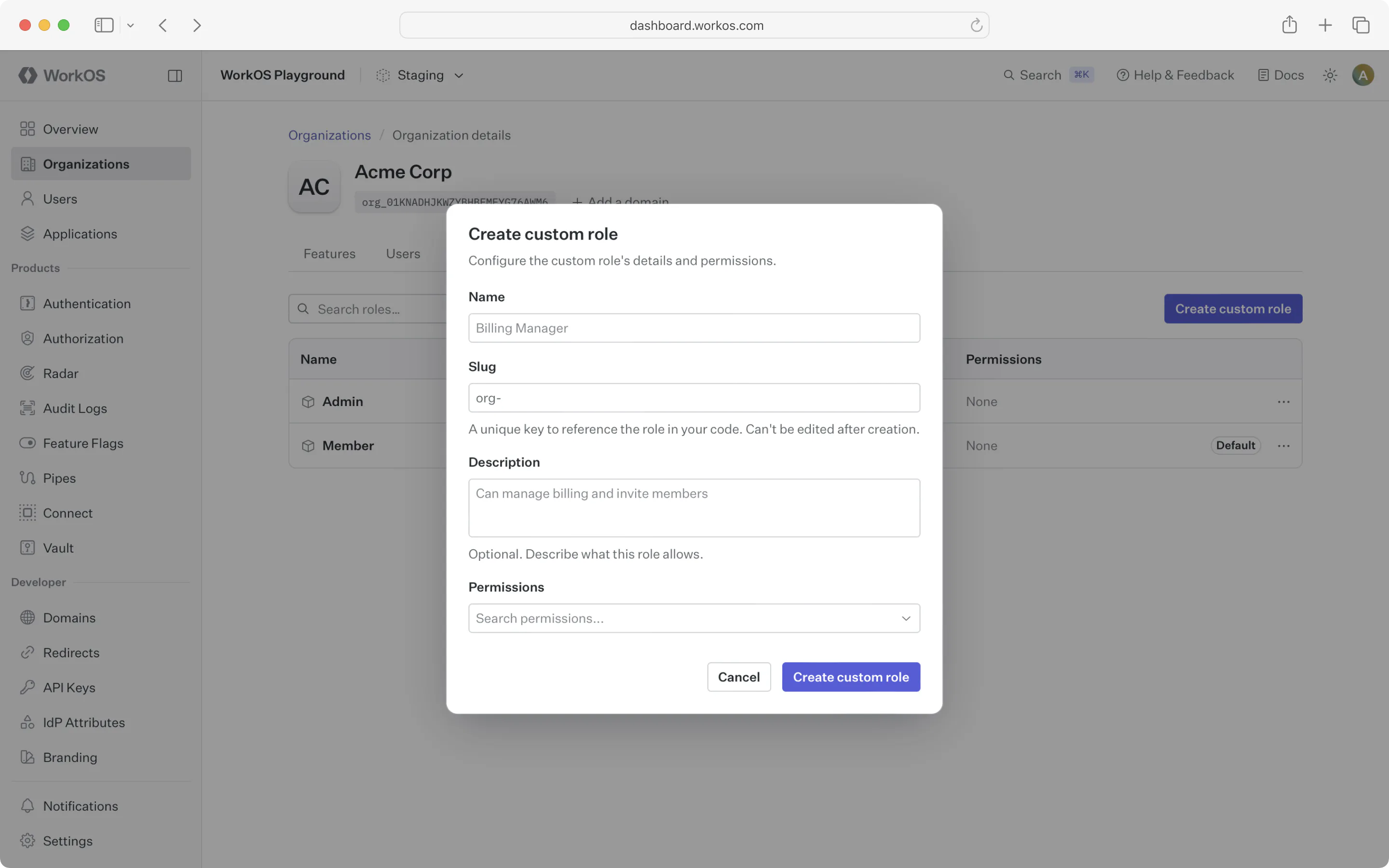
Every custom role is identified by a slug that is unique within the organization. Slugs may only contain lowercase letters, numbers, hyphens, and underscores, and may not have leading, trailing, or consecutive separators.
When creating a custom role via the API, the slug field is optional:
- If you provide a
slug, it must begin with theorg-prefix (for example,org-billing-admin). This prefix distinguishes organization-scoped custom roles from environment-level roles and is required for any explicitly supplied slug. - If you omit the
slug, WorkOS generates one for you by combining a normalized form of the role’snamewith a 6-character suffix derived from the role’s ID. For example, a role namedBilling Adminwould receive a slug likebilling-admin-a1b2c3. The suffix guarantees uniqueness even when multiple roles share the same name, and auto-generated slugs do not include theorg-prefix.
Auto-generated slugs normalize the role name by converting it to lowercase, converting whitespace to hyphens, removing characters outside [a-z0-9_-], and collapsing repeated separators. The name portion is truncated if necessary so the full slug stays within the maximum slug length.
Slugs are immutable after creation, so choose an explicit slug if you need a stable, human-readable identifier to reference in your code; otherwise the auto-generated slug is a good default. When creating a role in the WorkOS Dashboard, the slug field is pre-filled from the name as you type and can be edited before submission.
Once you create the first role for an organization, that organization will have its own default role and priority order, independent from the environment.
New roles added to the environment will be available to the organization and placed at the bottom of the organization’s role priority order.
Like environment-level roles, custom roles can be used in role assignment, sessions, and the organization membership API. No additional action is required to enable this behavior after creating custom roles.
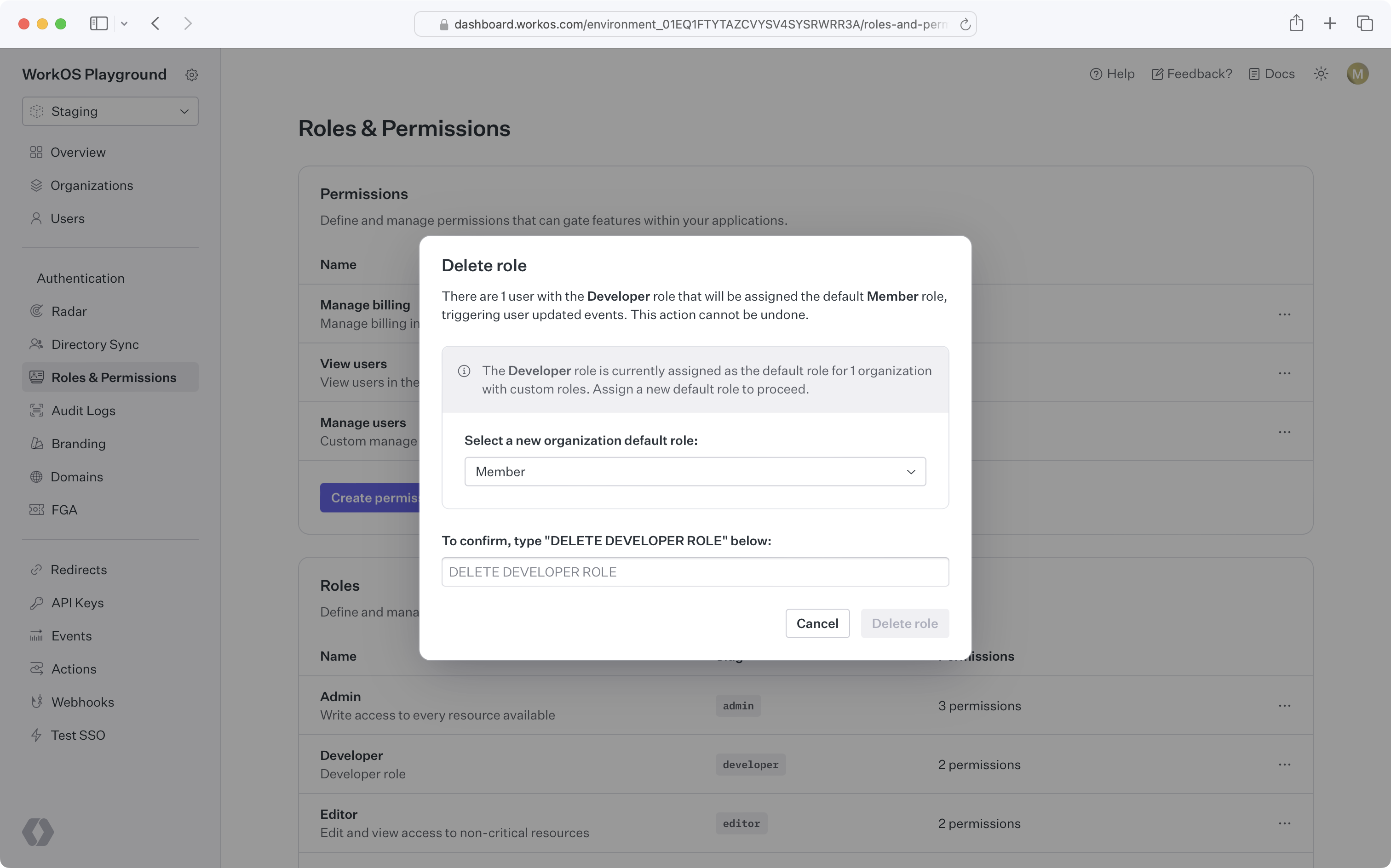
When attempting to delete an environment role that’s the default role for one or more organizations, you’ll be prompted to select a new default role for all affected organizations. Organization members previously assigned the deleted role will be assigned the new organization default role.